
Shark Mart Checkout Guide: Scanning, Queues, Pricing
A Shark Mart checkout guide for faster scanning, shorter queues, fair pricing, and the register habits that keep customers from walking out angry.
The Shark Mart checkout is where the store turns stock into money, and it is also where new players lose the most sales. The register is manual. You scan items, take payment, and manage the customer in front of you while a queue forms behind them. There is no automatic cashier and no way to serve two people at once.
This guide covers the scanning loop, queue management, pricing, and the habits that keep the counter from becoming the bottleneck. If the shelves are the problem, start with the Shark Mart shelf guide→.
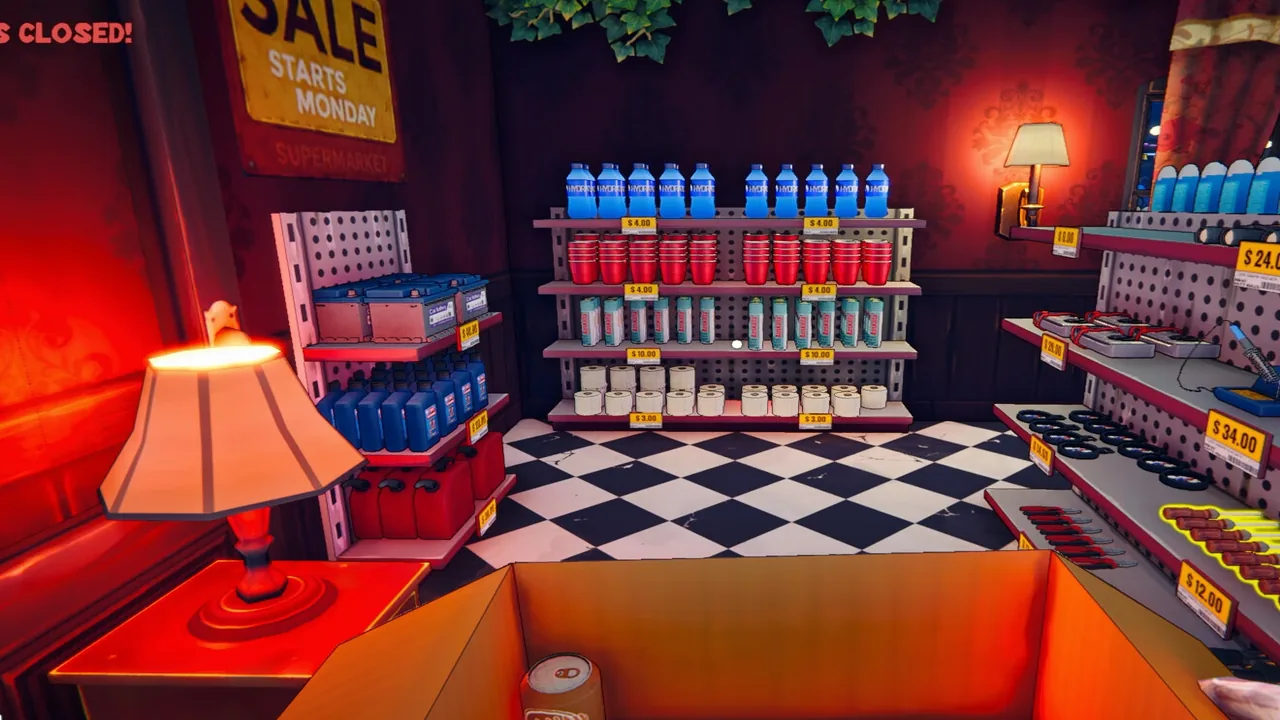
How the register works
A customer places items on the counter. You pick up each item, scan it, and place it in the bagging area. When every item is scanned, you complete the transaction. The customer pays and leaves, and the next customer steps forward.
The register can scan more than products. A player standing in front of the scanner can be rung up by mistake, which is why the game has an achievement for serving customers without scanning yourself. Keep your character behind the counter and the products in front of the scanner.
Scan in a rhythm, not a rush. A dropped or double-scanned item costs more time than a deliberate scan.

Queue management
Customers have patience, and the queue has a physical shape. If the line blocks an aisle, browsing customers cannot reach the shelves, and the store loses sales even though the register is busy.
Three rules keep the queue healthy:
- Keep the approach clear. No displays, boxes, or decorations in front of the counter.
- Serve the front customer first. Do not start a second transaction while the first is unresolved.
- Call for help early. In co-op, a second player can clear the aisle or restock while you scan, but only if you ask before the queue becomes a crowd.
The Shark Mart tips guide→ covers queue discipline alongside cleaning and stocking habits.
Pricing and markups
Shark Mart lets you adjust prices. The store shows a recommended price, and you can mark products up or down. The trade-off is straightforward: higher prices earn more per sale but can upset customers, while discounts move stock but shrink the margin.
For a new store, stay close to the recommended price. You do not have the reputation or the traffic to absorb angry customers. Once the store is stable and the shelves are full, test small markups on high-demand products and watch the customer reaction.
Do not reprice during a rush. The time you spend in the pricing menu is time the queue spends waiting.
The five checkout mistakes
Leaving the register mid-transaction. The customer waits, the queue grows, and the sale can fail. Finish the transaction before you investigate a noise.
Scanning while the queue blocks the aisle. Move the line or clear the obstruction first. A fast register does not help if customers cannot reach it.
Ignoring the floor. A spill behind the counter is still a hazard. If you see it while scanning, clean it between customers, not after the shift.
Overpricing early. A small margin on a sold item is better than a large margin on an item the customer refuses.
Tag-teaming the register. Two players switching in and out of the counter creates confusion. One cashier should own the station for the shift.
Checkout in co-op
In a two-player store, the cashier stays at the register and the runner handles shelves and cleaning. In a four-player store, the cashier can focus entirely on scanning while the cleaner keeps the queue area clear and the fixer handles service customers.
The cashier should still communicate. If the queue is about to overflow, say so. If a customer is angry and about to leave, say so. The runner can pause restocking to open a second register if the store has one.
The Shark Mart co-op guide→ explains the full role split, including who owns the basement when the store is busy.
A customer who leaves angry costs more than the sale. The star rating is the store's score, and it affects how the whole shift is judged.
When to buy a second register
Buy a second register when the queue is consistently long even though the store is fully stocked and the cashier is not leaving the counter. A second register only helps if you have a second player to staff it; an empty register is furniture.
If you play solo, a second register is rarely worth the space. Improve the shelf layout and the checkout rhythm first.
FAQ
How do I scan items in Shark Mart?
Pick up each item, pass it over the scanner, and place it in the bagging area. Complete the transaction when every item is scanned.
Why do customers leave angry?
Long queues, high prices, dirty floors, and empty shelves all reduce patience. Check the store's star rating and cleanliness after a bad shift.
Can I scan myself in Shark Mart?
Yes, which is why Just Keep Scanning is an achievement for completing a checkout without doing it.
Official source: Shark Mart on Steam ↗ · Steam news hub ↗ · Steam achievements ↗