
Shark Mart Shelf Guide: How to Buy, Place, and Stock
How to buy shelf space in Shark Mart, place it without blocking customers, stock it from delivery boxes, and use crate shelves to keep the back room organized.
To buy a shelf in Shark Mart, open build mode, select the shelving category, choose a shelf card you can afford, and place it on a valid floor tile. The purchase confirms when you place the unit. The hard part is not buying the shelf; it is placing it where customers can reach it and where you can restock it without walking through a wall.
This guide covers the purchase flow, placement rules, stocking loop, and the crate shelves that hold boxes. If you are still on your first shift, read the Shark Mart beginner guide→ first.
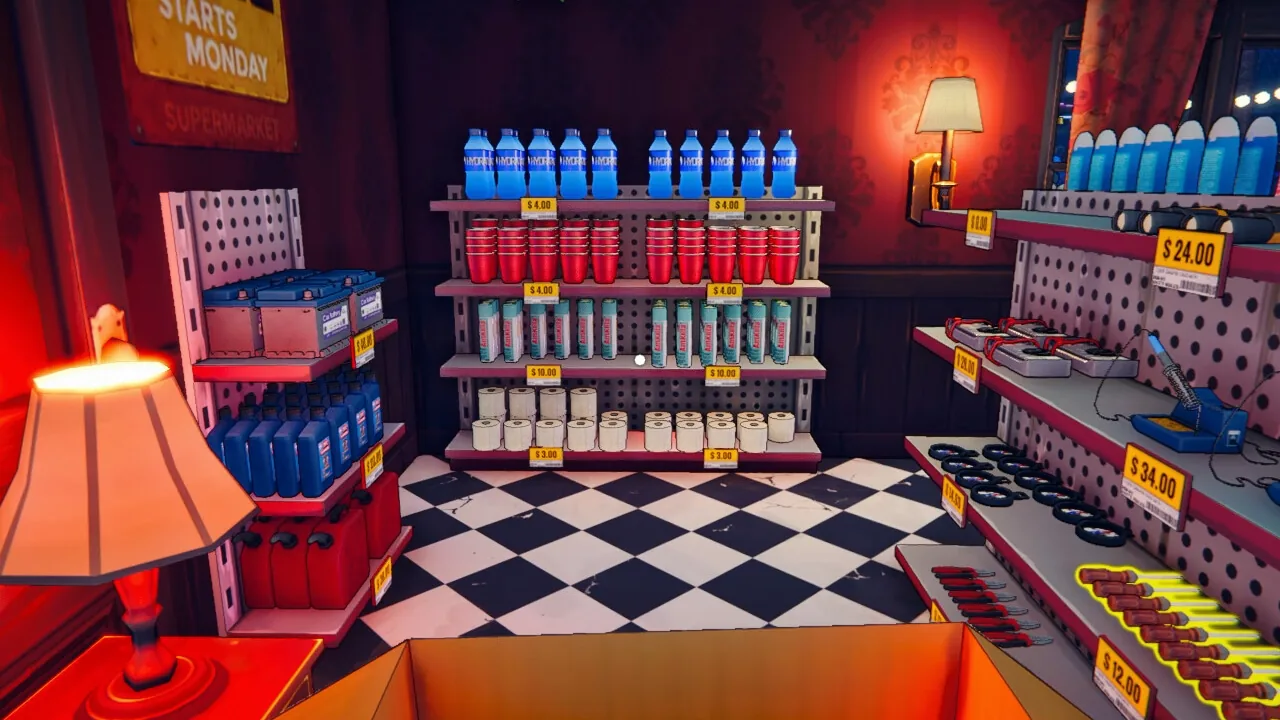
How to buy a shelf
The build catalog is organized by category. Shelving sits alongside counters, decorations, and structural pieces. The flow is:
- Enter build mode. The store pauses into a placement view.
- Open the shelving category. Browse the available shelf cards.
- Check the footprint. A shelf needs floor space and clearance for customers.
- Place the ghost preview. Rotate it so the product face points into the aisle.
- Confirm the purchase. The cost is deducted from your FishBucks.
If the preview is red, the tile is blocked or the shelf is too close to a wall, door, or another object. Move it until the preview turns valid. Do not force a placement by squeezing it into a corner; a shelf that customers cannot path to is a wasted purchase.
Buy one shelf, stock it, and watch a customer use it before you buy the second. The first shelf teaches you the store's pathing.
Placement rules that matter
A shelf has two jobs: hold product and attract customers. Both depend on placement.
Keep the product face visible. Rotate the shelf so the items face the aisle, not the wall. Customers approach the display side.
Leave a full tile of walking room. Do not narrow the path between two shelves to a single tight line. A queue plus a browsing customer can block the aisle.
Do not block the register. The counter needs a clear approach for the queue. A shelf placed beside the register is fine; a shelf placed in front of it is a traffic jam.
Keep the delivery route open. You need to carry boxes from the delivery point to the shelf. If the shortest route is blocked, you will take a longer path every restock.
Do not build in the doorway. The entrance is the busiest tile in the store. Nothing should occupy it, even temporarily.
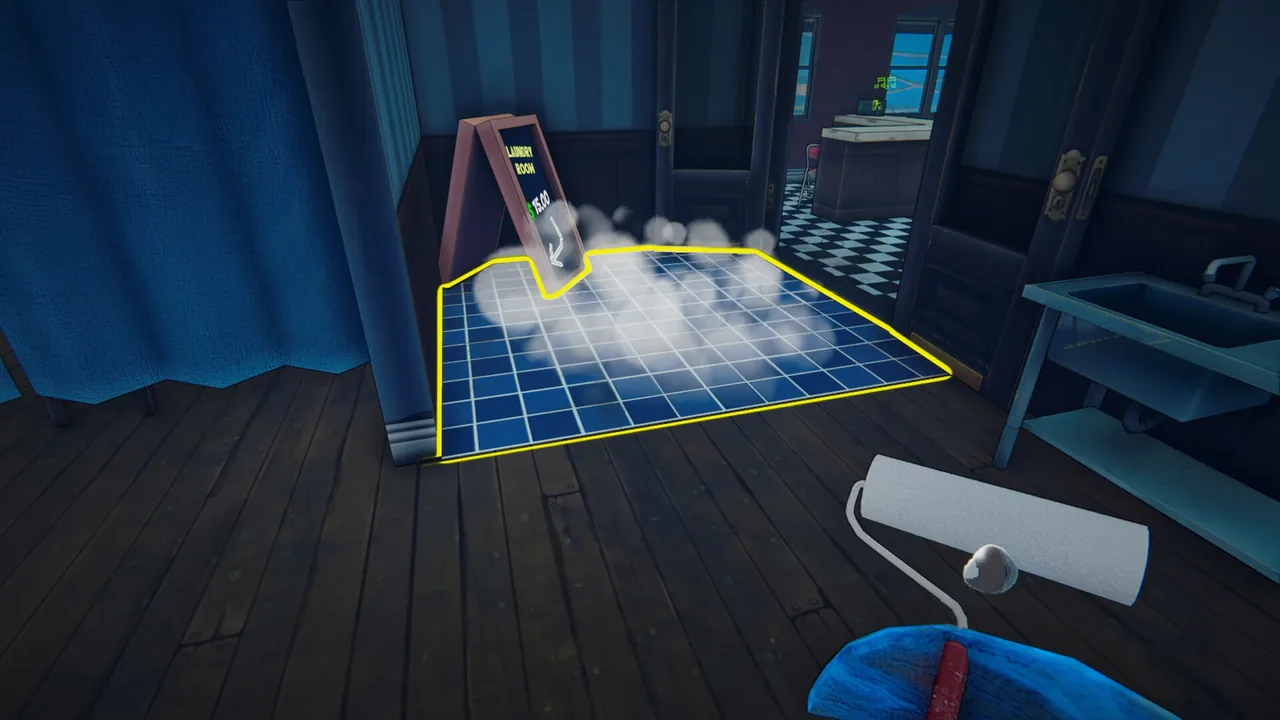
Stocking from a delivery box
Stocking is a physical loop, not a menu transfer. You pick up a delivery box, carry it to the shelf, and place the contents into the shelf's slots. Empty boxes then need to be broken down or removed.
A clean stocking routine:
- Order only what the shelf can hold.
- Carry the box to the shelf, not the shelf to the box.
- Fill the shelf completely before opening another box.
- Break down the empty box immediately.
- Return the box to the delivery area or trash before starting the next task.
The most common beginner mistake is opening three boxes at once and leaving empties in the aisle. That creates clutter, blocks pathing, and creates evidence if the police arrive.
Crate shelves and box storage
Crate shelves are the storage solution. The updated shelves hold full and empty boxes in highlighted slots, with sound cues for successful placement. They are not a replacement for product shelves; they are where the boxes live between restocks.
Use crate shelves to:
- Store unopened delivery boxes near the sales floor
- Keep empty boxes out of the aisles until you can break them down
- Separate full and empty stock so you do not carry the wrong box
Place crate shelves in the back room or along a wall, not in the customer aisle. They are taller and denser than product shelves, and they block sightlines.
When to buy more shelf space
Buy another shelf when the existing shelves are consistently full and customers are still looking for products. Do not buy shelves to fill empty floor space; empty shelves cost money and reduce the store's cleanliness score if they collect boxes.
A simple rule: if you spend more time restocking than cashiering, you need storage, not more sales floor. If customers walk past full shelves without buying, you need variety or a better checkout flow.
The Shark Mart checkout guide→ explains how queue pressure interacts with shelf layout. The upgrades guide→ covers the shelf and store upgrades that increase capacity.
A shelf placed in a valid tile can still be a bad shelf. Validity checks collision, not customer flow. Watch a full shift before you commit to a layout.
Shelf layout for co-op
In co-op, assign one player to own the shelves. That player orders, stocks, breaks down boxes, and keeps the crate shelves organized. The cashier should not leave the register to restock, and the cleaner should not move boxes unless the runner is overwhelmed.
A two-player store works well with a runner-cashier split. A four-player store can add a dedicated cleaner and a fixer, but the runner still owns the shelf layout. Changing shelf positions mid-shift is a bad idea; do it before opening.
FAQ
How do I buy a shelf in Shark Mart?
Open build mode, select the shelving category, choose a shelf card, place it on a valid tile, and confirm the purchase with FishBucks.
Why can't I place my shelf?
The tile is blocked, too close to a wall or door, or overlapping another object. Rotate the shelf or move it to a clear floor tile.
What are crate shelves for?
They store full and empty boxes in highlighted slots, keeping the sales floor clear and making restocking faster.
Official source: Shark Mart on Steam ↗ · Steam news hub ↗ · Steam achievements ↗